 Call Santa
The call from Santa your little one will never forget
The phone rings, they pick up… and it's really Santa: he talks live, by voice, knows their name, what they did well this year and what's on their wish list. You set it up in one minute.
Download on the App Store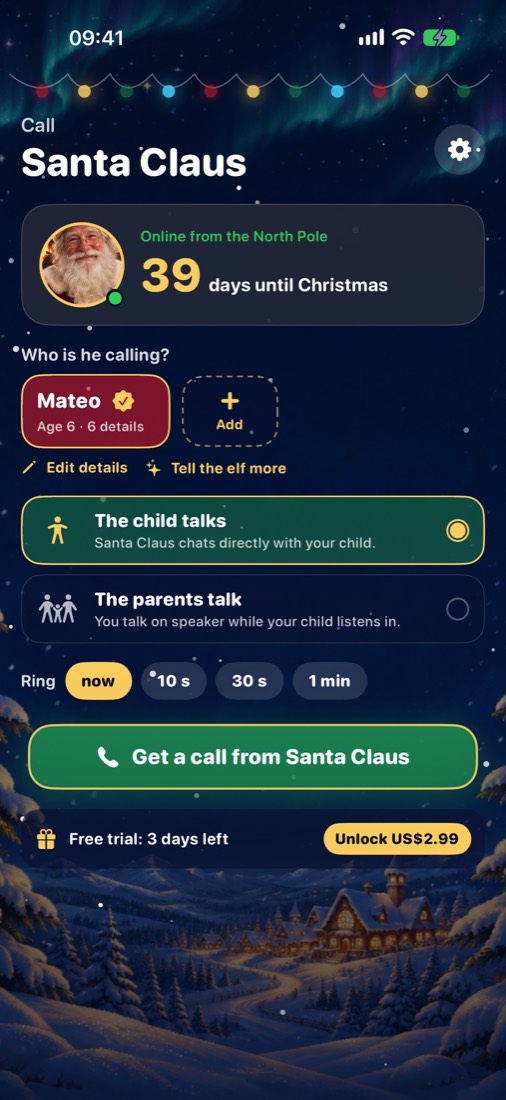
Countdown to Christmas
Santa is already checking his list. There's still time for him to call your home.
How the Santa call works
No sign-up, no long forms. Three steps and the phone rings.
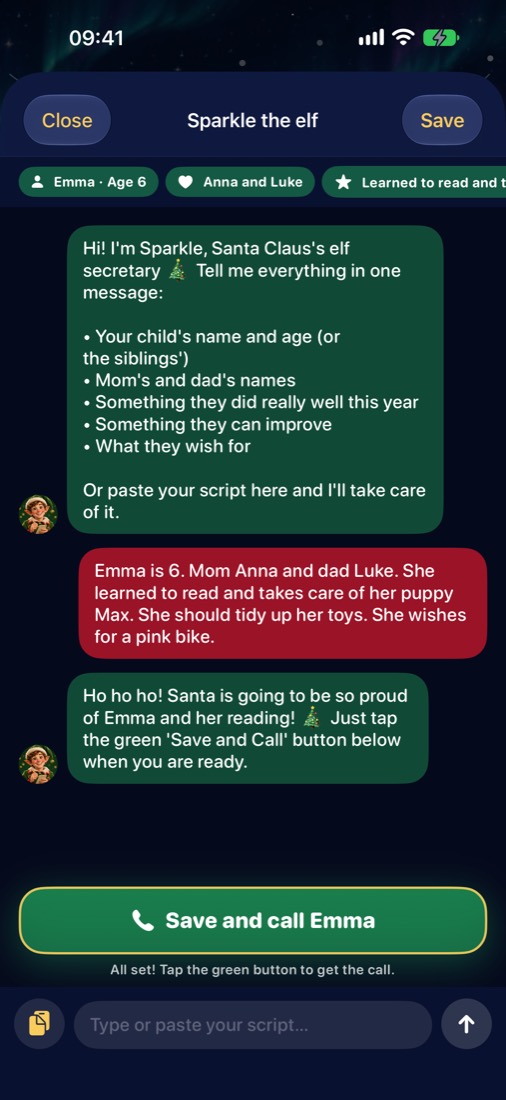
Tell the elf
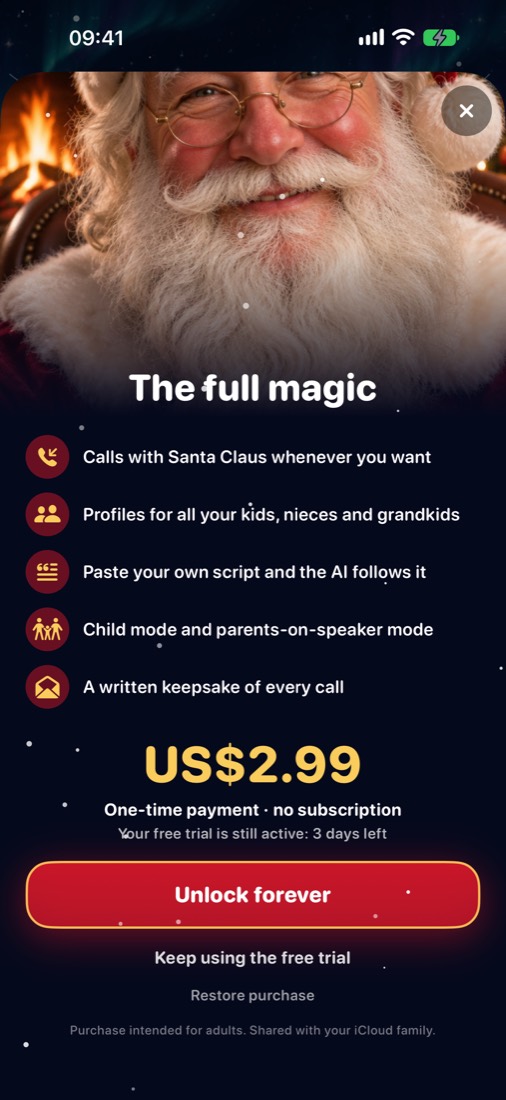
Write to Sparkle, the elf secretary, or paste your own script: name, age, parents, achievements, what to improve and wishes. The AI understands it all in a single message.
The phone rings
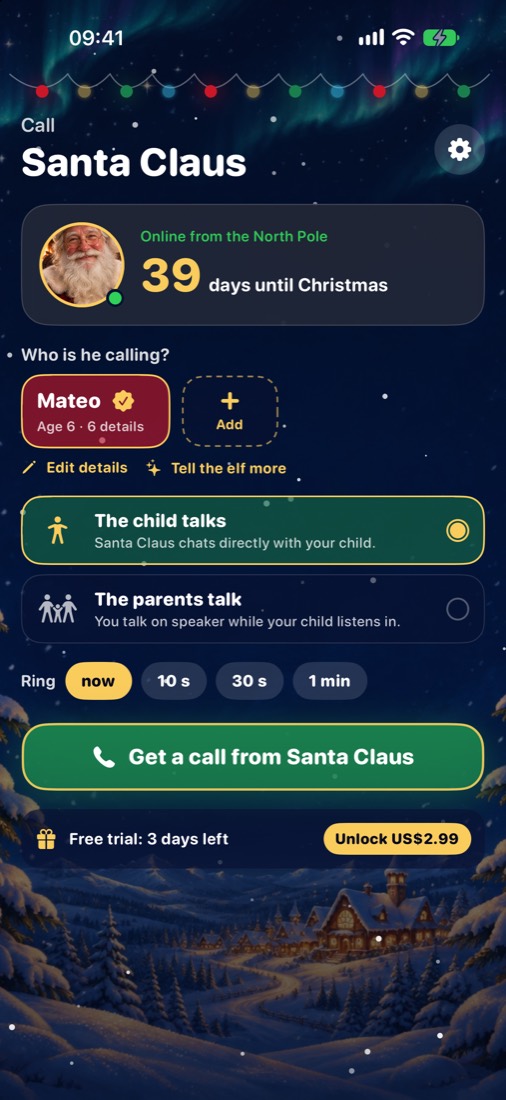
A real incoming-call screen with ringtone and vibration. Schedule it for 10 seconds, 30 seconds or 1 minute so you can leave the phone “casually” in sight.
Santa really talks
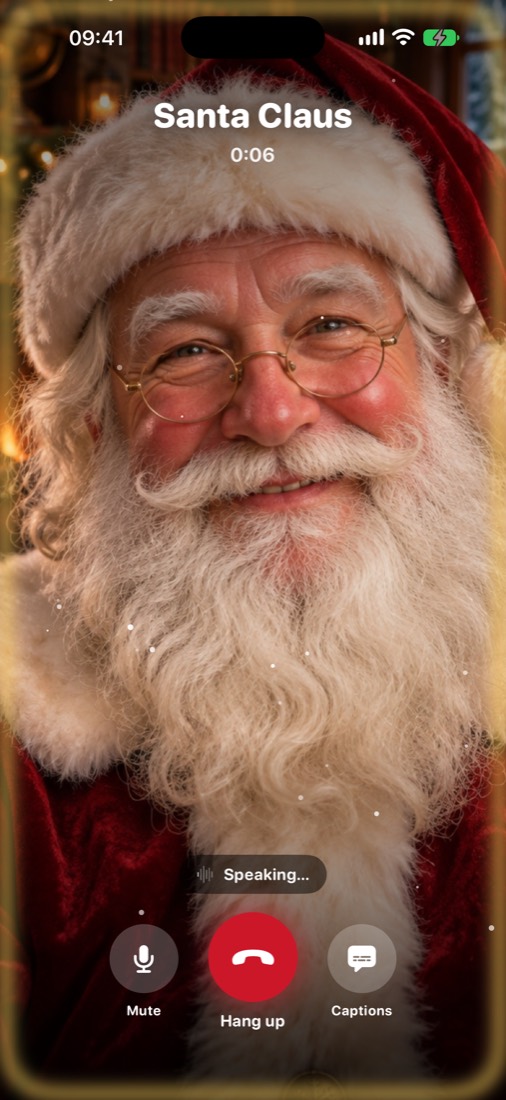
It's not a recording: he listens, answers, asks questions and remembers what your child tells him. When he says goodbye, he hangs up.
Santa knows what you tell him
You decide the script. The app never makes up facts about your family.
- Their name and age, and their siblings': they can take the call together.
- What they did really well this year: learning to read, helping at home, that goal in the match.
- What they can improve, said tenderly: he never scolds or threatens with no presents.
- What they wished for, without promising anything: “the elves are working very hard”.
- Today's date and exactly how many days are left until Christmas.
- Your full script, if you'd rather write it word for word.
Two ways to live the magic
Pick what suits your child's age and shyness.
The child talks
Santa greets them by name, praises specific things, lovingly encourages what they can improve and asks about their wish list.
The parents talk
You chat with Santa on speaker while your little one listens in. Perfect for toddlers or shy kids: Santa asks “Is it true that…?” and reacts out loud.
Santa Claus, Father Christmas or Papá Noel
He has a different name and accent in every country. Pick yours and see how he says hello.

What a call sounds like
A real snippet of how he talks. Short turns, like a real phone call.
Ho ho ho! Hello, Emma! Did you know there are only 39 days left until Christmas?
Are you really Santa?
Of course I am! Who else would know you learned to ride your bike without training wheels this year?
Yes! And I want a play kitchen.
A play kitchen! The elves are working very hard. And what will you cook for Max?
Script ideas for your Santa call
Copy one, change the names and paste it into the app. The more details, the more real it feels.
First call (ages 4–6)
Emma is 5. Mom Anna and dad Luke. This year she learned to ride her bike without training wheels and now falls asleep on her own. She can improve at tidying up her toys. She wishes for a play kitchen and a dinosaur book. Her puppy is called Max.
Siblings together
Jack is 8 and Lily is 5. Parents Tom and Sarah. Jack started football and trains a lot; Lily loves gymnastics. They need to argue less and watch less TV. Jack wishes for a bike and Lily for a dollhouse.
For the one starting to doubt (ages 8–10)
Noah is 9. Dad Chris. He improved his maths grades and looked after grandma when she was ill. Mention that on October 3rd he scored the equaliser. He wishes for headphones. If he asks whether you're real, remind him about the goal.
Encouraging a change
Mia is 7. Mom Laura. She is very loving with her baby brother. She struggles to brush her teeth and do homework without being asked: tell her the elves write everything down and that you believe in her. She wishes for roller skates.
Made by parents, for parents
The magic is for the kids; the control is yours.
Santa never breaks character
No scary or grown-up topics. If your child shares something sad, he answers tenderly and tells them to talk to mom or dad.
No promised presents
He reacts with delight but never commits to a specific gift: that's your call.
Privacy first
No accounts, no ads, no tracking. Details and keepsakes are stored only on your iPhone.
A keepsake of every call
Afterwards you keep the conversation in writing to save or share with the grandparents.
Short and sweet
About three minutes, the perfect length for a child's attention. Five at most.
Optional captions
Turn them on to read what Santa says on screen.
One payment. 10 calls.
The first call is free. If you love it, a single payment unlocks 10 calls of up to 3 minutes each: no subscription, no surprise charges.
one-time payment · 10 live calls
Download on the App StoreFrequently asked questions
How do I get Santa Claus to call my child?
Download Call Santa on your iPhone, tell the elf about your child (or paste your script) and tap “Save and call”. The phone rings like an incoming call and Santa talks live.
Is it a recording or does Santa really answer?
He really answers. It is a real-time voice conversation powered by AI: he listens to what your child says and replies to it, using the details you provided.
Is the Santa call free?
The first call is free. After that, a one-time US$2.99 payment unlocks 10 live calls of up to 3 minutes each (2 per day at most), and you can add 10 more for US$1.99. It is not a subscription.
Which countries and languages are supported?
English for the United States and the United Kingdom (Santa Claus and Father Christmas), and Spanish for Spain and Latin America, where he becomes Papá Noel, Viejito Pascuero or San Nicolás.
What ages is it for?
It works best from ages 3 to 10. For toddlers or shy kids we recommend “The parents talk” mode, where the child just listens.
Can I use it with several kids, nieces or grandkids?
Yes. Create one profile per child or a shared one for siblings, and Santa greets each of them by name.
What if my child asks whether Santa is real?
Santa stays in character and answers with a detail only he would “know”, like something your child did this year.
Santa can't hear me or I can't hear him
Check microphone permission in Settings › Call Santa, turn the volume up and check your internet connection. During the call, the green bars move when Santa hears you.
Does it need internet?
Yes. The conversation is generated live, so you need Wi-Fi or mobile data.
How do I restore my purchase?
In the app go to Settings › Restore purchase with the same Apple account you bought it with.
Support
Need help? Write to hola@josegober.com and we will reply within 1–2 business days.
This year, let the phone ring
Set it up in a minute and watch their face when they pick up.
Download on the App Store